
Many beginners ask how SEO tools help website ranking. The honest answer is that tools do not rank your pages. They show you what to fix, what to write and how you are doing, so you can make better decisions faster. This guide explains what SEO tools do, which free ones to start with and how to use them step by step.
Disclosure: this article contains an affiliate link. If you buy through it, I may earn a commission at no extra cost to you. Read my affiliate disclosure for details.
What Are SEO Tools?
SEO tools are websites, apps and plugins that collect data about your site and about how people search. Some show your search performance. Others scan your pages for errors, suggest keywords or measure page speed. If you are new to SEO, start with my SEO guide for beginners.
How SEO Tools Help Website Ranking
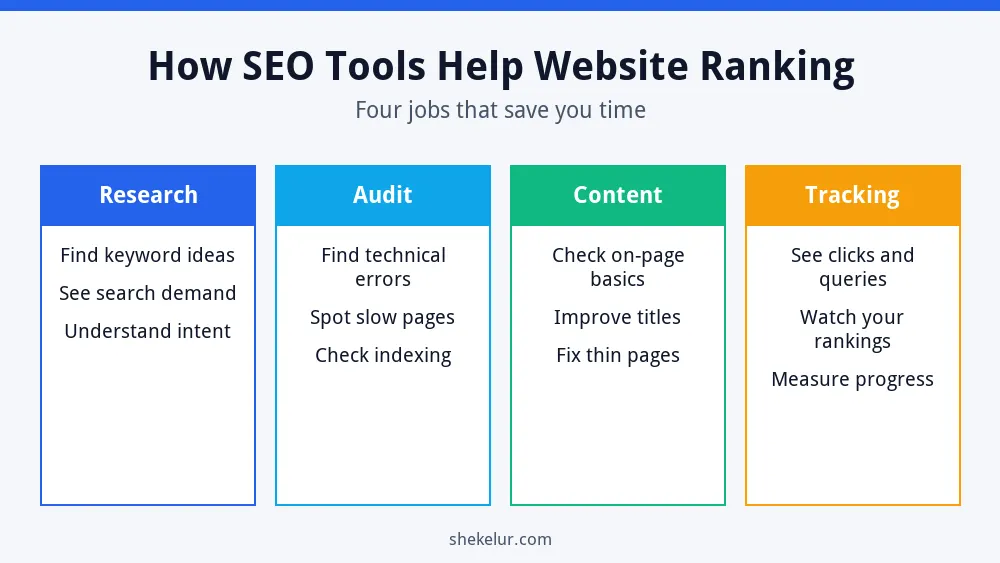
Think of SEO tools as a dashboard in a car. They do not drive for you, but they tell you when something is wrong. Here are the four main jobs they do.
- Research: they reveal the phrases people search for, so you write pages that match real demand.
- Audit: they find technical problems such as slow pages, broken links or pages that are not indexed.
- Content: they help you check titles, headings and basic on-page elements before you publish.
- Tracking: they show clicks, queries and trends, so you can see what works and repeat it.
As a result, tools help your ranking indirectly. They help you make good decisions, and good decisions improve your pages.
Types of SEO Tools and Free Examples
| Type | What it does | Free examples |
|---|---|---|
| Performance tracking | Shows clicks, queries and indexing | Google Search Console, Bing Webmaster Tools |
| Keyword research | Finds search ideas and demand | Google Keyword Planner, Google Trends |
| Speed and quality | Tests loading and user experience | PageSpeed Insights, Lighthouse |
| Site crawling | Scans your site for technical errors | Screaming Frog (free version has a URL limit), Ahrefs Free |
| On-page help | Checks titles, descriptions and readability | Yoast SEO plugin for WordPress |
A Free SEO Tool Starter Stack
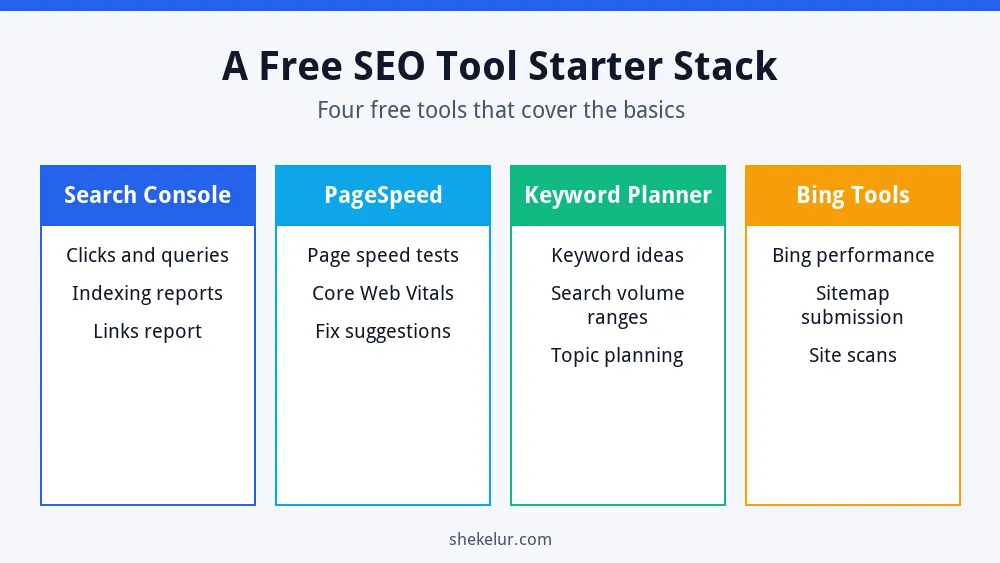
Google Search Console
Search Console is the most important free tool because it uses Google’s own data. It shows which searches bring people to your site, which pages Google indexed and which problems it found. Use it weekly.
PageSpeed Insights
Enter any URL in PageSpeed Insights to see loading speed and Core Web Vitals data, plus suggestions. It is a quick way to find heavy images or slow scripts.
Google Keyword Planner
The Keyword Planner offers keyword ideas and search volume ranges. It needs a Google Ads account, but you do not have to run ads to look around. Pair it with Google Trends to compare how interest changes over time.
Bing Webmaster Tools
Do not forget Bing. Bing Webmaster Tools lets you submit your sitemap and see your performance in Bing search.
Yoast SEO for WordPress
If you use WordPress, the Yoast SEO plugin helps with titles, meta descriptions, sitemaps and readability checks. Treat its colored lights as guidance, not a guarantee of rankings.
How to Use SEO Tools Step by Step
- Verify your site in Search Console and submit your sitemap.
- Research a topic with Keyword Planner and by studying the search results.
- Write a helpful page and check the title, headings and meta description.
- Test the page speed and fix large images.
- Publish, then watch queries and clicks in Search Console.
- Update the page every few months based on what you learn.
For a full on-page checklist, read my guide to on-page SEO for new websites. To fix crawling and indexing problems, see technical SEO basics.
SEO Tool Mistakes to Avoid
- Trusting scores blindly: third-party metrics are estimates, not Google ratings.
- Using too many tools: start with two or three and learn them well.
- Ignoring search intent: a keyword tool cannot tell you what readers really want.
- Chasing green lights: a perfect plugin score does not guarantee a ranking.
- Expecting instant results: rankings take time to change.
What About AI Features in SEO Tools?
Many tools now include AI writing and suggestion features. They can speed up outlines and ideas, but you should still edit, fact-check and add your own experience. For more detail, read whether AI writing tools can rank on Google.
When Should You Pay for SEO Tools?
Start free. Consider paid tools when you manage several sites, need competitor and backlink data regularly or want to save hours on audits. Try a trial first and compare it with the free tools you already use. If you want to learn about link data, my guide to link building tools for beginners lists free options.
Final Thoughts on How SEO Tools Help Website Ranking
Now you know how SEO tools help website ranking: they guide your decisions, but your content and effort do the real work. Set up Search Console, add one speed tool and one keyword tool, and review them regularly.
Your Next Step: Set Up Your Starter Stack
Verify your site in Search Console today and run your homepage through PageSpeed Insights. If you would rather hand off an SEO audit, keyword research or content writing, you can compare independent freelancers on Fiverr. Read reviews, look at sample reports and avoid anyone who guarantees rankings.
Frequently Asked Questions
Do SEO Tools Guarantee Higher Rankings?
No. They provide data and suggestions. Rankings depend on your content, your site quality, competition and many other factors.
What Is the Best Free SEO Tool?
Google Search Console is the best free starting point because it shows real data about your own site from Google.
How Many SEO Tools Do I Need?
Two or three are enough for most beginners: one for performance, one for speed and one for keywords.
Are Paid SEO Tools Worth It?
They can be, once your needs outgrow free tools. Test with a trial and judge them by the time they save you.
How Often Should I Check My SEO Tools?
Look at Search Console weekly and run a deeper audit every few months or after major site changes.