The best AI image generators for beginners are easy to start, give you some free credits and make the license clear. This guide compares popular options in plain English, shows a simple prompt formula and explains the safety rules every beginner should know.
Free plans and limits change often, so I checked vendor pages and recent reviews in November 2026. Confirm the current details before you rely on any tool.
Disclosure: this article contains an affiliate link to Fiverr. If you buy through it, I may earn a commission at no extra cost to you. Read my affiliate disclosure for details.
What to Compare Before You Choose
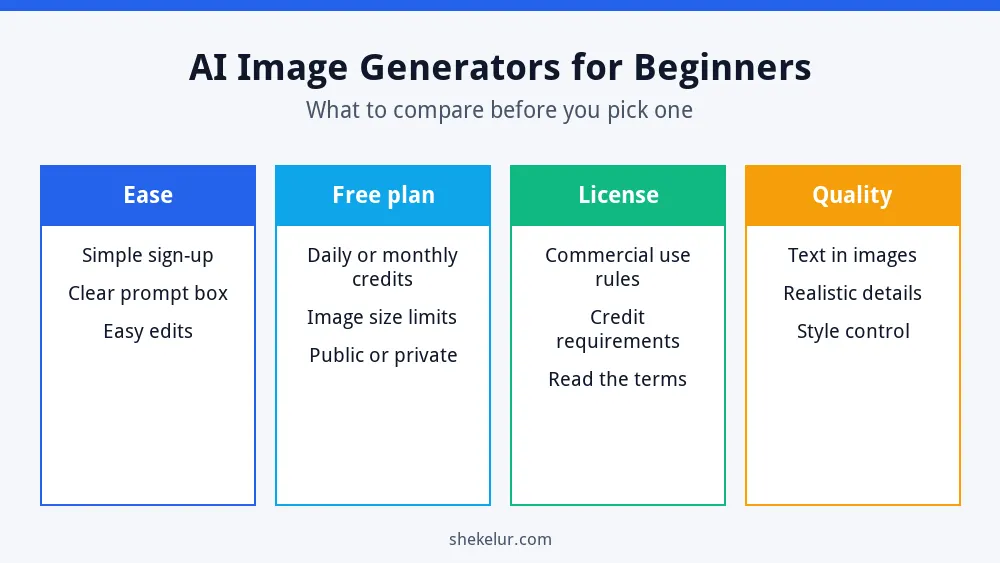
- Ease of use: a simple sign-up and a clear prompt box.
- Free plan: daily or monthly credits, and whether your images are public.
- License: whether you can use the images commercially, and whether credit is required.
- Quality: how well it handles text in images, faces and details.
Six Beginner-Friendly Options
Microsoft Designer
Microsoft Designer lets you create images from text with a Microsoft account, and it is one of the easiest places to start. Free usage has limits, and the terms for commercial use can change, so read them before you publish.
Canva
If you already design in Canva, its AI image generator keeps everything in one place. The free plan includes a limited number of AI uses, and Canva has changed these limits before, so check the current allowance.
Adobe Firefly
Adobe Firefly is popular with people who care about licensing. Adobe says Firefly is trained on licensed and public domain content, and reviews note that outputs from its standard features can be used commercially. The free plan has limited generations, and some legal protections apply only to paid customers, so read Adobe’s current terms.
Ideogram
Ideogram is known for rendering readable text inside images, which helps with posters, social graphics and thumbnails. It has a free tier with limited credits, and free generations may be public, so avoid private or client-sensitive work.
Leonardo AI
Leonardo AI offers a daily free allowance and several style options, which suits experimenting. Free-plan images can be visible to others, so check the privacy and license terms before using them commercially.
Chat Assistants: ChatGPT and Gemini
Some chat assistants can generate images inside a conversation. For example, Gemini and ChatGPT both offer image creation with usage limits on free accounts. They are convenient if you already use them for writing and ideas. My ChatGPT guide for beginners explains how to write clear prompts.
| Tool | Good for | Watch out for |
|---|---|---|
| Microsoft Designer | Easy first images | Usage limits and terms can change |
| Canva | Designs and social posts | Limited AI uses on the free plan |
| Adobe Firefly | Clear licensing focus | Limited free generations; some protections are paid |
| Ideogram | Text inside images | Free images may be public |
| Leonardo AI | Daily free experiments | Free images may be public |
| ChatGPT or Gemini | Images inside a chat | Usage limits vary |
A Simple Prompt Formula
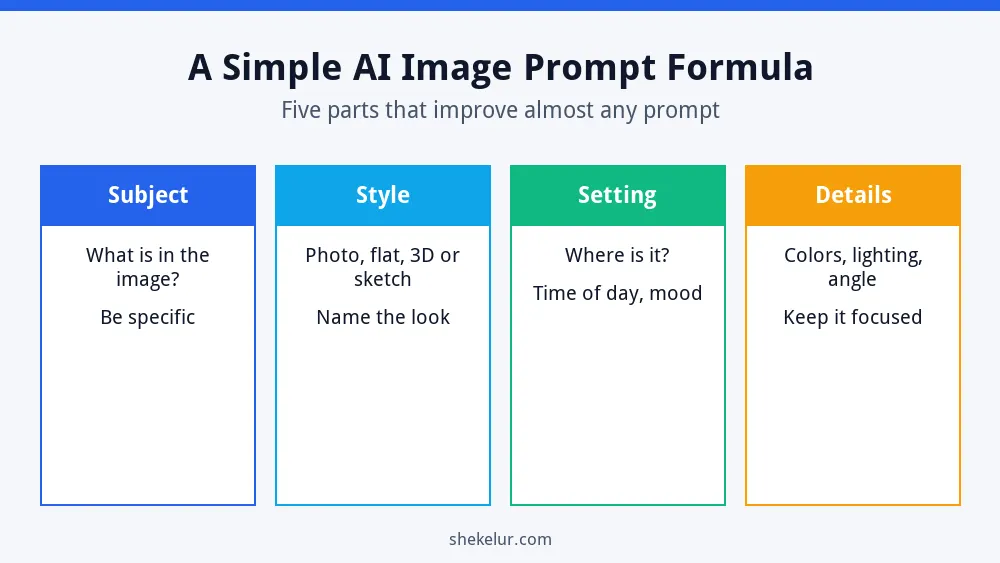
- Subject: say exactly what the image shows.
- Style: name the look, such as flat illustration, watercolor or product photo.
- Setting: describe where it happens and the mood.
- Details: add colors, lighting and camera angle.
| Weak prompt | Better prompt |
|---|---|
| A coffee shop | A flat illustration of a cozy coffee shop interior at sunrise, warm colors, wooden tables, soft light |
| A laptop on a desk | A clean product-style photo of a silver laptop on a white desk beside a green plant, soft daylight, top-down angle |
Licensing and Safety Rules
- Read the license for each tool, especially for commercial use.
- Do not copy a living artist’s style closely or imitate known characters and brands.
- Do not create images of real people without their permission.
- Avoid putting private or client information in prompts.
- Be honest. If a platform asks you to label realistic AI images, follow its rules.
- Review every image for odd details, such as hands, text and logos.
Using AI Images on Your Website
AI images can illustrate your articles, but they should add value. Write clear alt text, compress the file and use a modern format such as WebP so your pages stay fast. For more detail, read my guides to on-page SEO for new websites and technical SEO basics. If you are choosing design tools, see my graphic design software for beginners guide.
Common Beginner Mistakes
- Using a tool without reading the license.
- Publishing the first image without checking details.
- Writing prompts that are too short.
- Uploading huge files that slow your site.
- Relying on free credits for urgent client work.
Final Thoughts on AI Image Generators for Beginners
Start with one tool, write a clear prompt and review the license. The best AI image generators for beginners are the ones you understand and can use safely. When you need a polished, original result for a brand, a designer is often the better choice.
Your Next Step: Create Your First Image
Pick one tool and generate three images using the prompt formula. If you want a custom logo, thumbnail or social graphic, you can compare independent designers on Fiverr. Check their portfolios and reviews, and confirm the usage rights before you order.
Frequently Asked Questions
Which AI Image Generator Is Best for Beginners?
Microsoft Designer and Canva are easy places to start, while Adobe Firefly is a good choice if licensing is your main concern.
Can I Use AI Images Commercially?
It depends on the tool and plan. Read the current license for each service before you publish or sell anything.
Are Free AI Image Generators Really Free?
They are free with limits, such as daily credits or public images. Heavy use usually needs a paid plan.
How Do I Write a Good Image Prompt?
Describe the subject, style, setting and details. Then refine the result with small changes.
Can AI Images Hurt My SEO?
Not by themselves. Use relevant images with good alt text and fast loading, and make sure your content is helpful.
